Best AI Tools for Small Business Owners (and the Ones You Can Skip)
The best AI tools for small business owners: the one AI assistant to start with, the AI software you can skip, and how to replace expensive software with AI. A faith driven guide for entrepreneurs.
Quick answer: The best AI tools for small business owners are fewer than you think: one AI assistant that knows your business, your own website, your email and calendar, and a way to get paid. Start with the assistant, connect it to what you already use, and skip any new AI software that doesn't save you real time or money.
I'll never forget the night I sat at my kitchen table and printed out my bank statement with a highlighter in my hand. Not for groceries. For software. A scheduling app, an email app, a page builder, a social media scheduler, a transcription service, two different AI writing tools I had signed up for and forgotten about. Line after line of little charges, and none of those tools talked to each other. I was paying a monthly tax for being disorganized.
So when people ask me for the best AI tools for small business owners, I don't hand them a list of forty apps. I tell them what I wish somebody had told me at that kitchen table. If you've been searching for AI tools for entrepreneurs, AI software for small business, or how to replace expensive software with AI, this is the honest version.
What are the best AI tools for small business owners?
The best AI tools for small business owners are one strong AI assistant, a website you own, the email and calendar you already use, and a simple payment tool. Everything else is optional until it proves it saves you time or money.
That's the thing. Most "top AI tools" lists are written to sell you subscriptions. Here's how I'd rank what you actually need, in order:
- One AI assistant. This is the foundation. It writes, plans, summarizes, drafts your follow ups and helps you build. In my class we use Claude, and I explain why in Claude vs ChatGPT for small business owners.
- Your own website on your own domain. Not rented land. A site your assistant can update when you tell it to. I walk through that in how to build a website with AI.
- Email and calendar. You already have these. Connect them to your assistant so it can prep your meetings and draft your replies.
- A way to take payments. One trusted payment processor, so a sale doesn't wait on you.
Four tools cover almost everything. The magic is one assistant that ties the pieces together.
Why should one AI assistant come before every other AI tool?
One AI assistant should come first because it learns your voice, your offer and your people over time, so every job gets better. Five separate AI apps each know a little about you and none of them remember the rest.
Think about a basketball team where every player is blindfolded and nobody can talk. Five talented people, zero wins. That was my software stack. My writing tool didn't know what my scheduling tool knew. My transcription app didn't know what I promised the client. I was the only one who could connect the dots, and I was tired.
When I moved to one assistant, things changed. I teach it once, the way I describe in Claude Projects for small business, and it carries that into everything. My brand voice, my follow up style, the way I talk about faith and money. One team captain who can see the whole court.
Can AI replace expensive software for a small business?
Yes, AI can replace a lot of expensive software for a small business, especially single purpose tools like page builders, writing apps, schedulers and simple forms. Your assistant can often build or do the job with tools you already pay for.
Here's what I would love for you to hear. Before you buy anything new, ask your assistant one question: "Can you do this with what I already have?" You'll be surprised how often the answer is yes. I've built my own website, my own meeting rooms and my own e signature tool just by describing what I wanted. I'm a financial guy, not a programmer.
I want to be careful here, because some software is worth every penny. If your brokerage, your carrier or your sales team runs on a specific system, keep it. The goal isn't to cancel everything. It's to stop paying for tools that do one small job your assistant can already do. In Build On Purpose, members get set up starting at about $20 a month in tools while they build, and about $33 a month once they launch, based on their volume and usage. That's tools, separate from the program, and it's a long way from my highlighter night.
Want help cutting your stack down to what actually works?
In Build On Purpose we set up your AI assistant, your website and your automations live, one Monday night at a time, inside accounts you own. You don't need to be techy. You need to show up and be clear about what you want. And if the first live session isn't for you, you get a full refund before Session 2.
Which AI tools can a small business owner skip?
A small business owner can usually skip AI writing apps, extra chatbots, separate AI image and caption tools, and anything that locks your content inside their platform. If your main assistant can do the job, a second subscription is just another bill.
So practical question. Look at your last statement. How many tools on there are really doing one job your assistant could do? Here's my skip list:
- Stand alone AI writing tools. Most of them run on the same kind of models your assistant already uses, with a monthly fee on top.
- A different bot for every task. One for email, one for social, one for your website. That's the blindfolded basketball team all over again.
- Tools that own your stuff. If you can't export your content and your contacts whenever you want, be careful. Keep your accounts in your name.
- "Done for you" AI agencies on a long contract. Some are great. But most owners can build their own automations with a little guidance and keep full control.
I'm not anti tool. I'm anti waste. Proverbs 27:23 says, "Be thou diligent to know the state of thy flocks, and look well to thy herds." Knowing the state of your flock includes knowing what's quietly draining your account every month.
How do you choose AI tools for your small business?
You choose AI tools for your small business by starting with the job, not the tool: name the task that steals your week, test whether your assistant can handle it, and only add software when there's a clear gap it fills.
Here's the simple filter I use with the builders I coach:
- Name the job. Follow ups, meeting prep, content, invoices. One sentence.
- Try it with your assistant first. Give it a real example and see what comes back.
- Check who owns the data. Your contacts and content should live in your accounts.
- Ask if it connects. A tool your assistant can talk to is worth more than a fancier one it can't.
- Run it for 30 days, then decide. Keep it if it saved real time. Cancel it if you forgot it was there.
The U.S. Small Business Administration keeps a practical guide on using AI in your small business, and if you want to go deeper on using it responsibly, NIST publishes an AI Risk Management Framework.
Are free AI tools good enough for a small business?
Free AI tools are good enough to learn on and test ideas, but most small business owners outgrow them fast because free plans limit how much you can use them and what they can connect to. One paid assistant usually beats several free ones.
When I started, I bounced between free versions of everything, and I kept hitting walls in the middle of real work. If you're serious about building, a paid plan on one good assistant is the one tool worth paying for. You can see current plans on Claude's pricing page. Then let that one assistant earn its keep by replacing the others.
How does faith shape the AI tools you pick?
Faith shapes the AI tools you pick because stewardship is the point: every dollar and every hour is something God trusted you with, so you choose tools that multiply your time for people instead of piling up bills and distractions.
Luke 19:13 says, "Do business with this until I come back." That's a stewardship command, and it applies to your software budget too. I wrote more about this in AI for Christian entrepreneurs. If you want to see how the tools turn into a real system, read how to automate your business with AI. And for the big picture, start with my pillar guide, how to build a business with AI without being a tech person. If you'd rather listen on a drive, The Jesse Wood Show is full of builders doing this on purpose.
Frequently asked questions
What is the single best AI tool for a small business?
A capable AI assistant you use every day. It becomes the hub that writes, plans and connects your other tools. In Build On Purpose we use Claude.
How many AI tools does a small business really need?
Most need about four: one AI assistant, a website you own, your email and calendar, and a payment tool. Add more only when there's a clear gap.
Can AI replace my website builder or scheduling app?
Often, yes. An AI assistant can build and update your own site and simple booking pages, so you stop paying for single purpose apps. Keep any system your industry or team requires.
Are AI tools safe for customer information?
They can be when you keep accounts in your name, review anything before it goes to a real person, and never paste passwords or sensitive personal data into a chat.
Do I need to be technical to use AI tools in my business?
No. Today's assistants take plain English, so you describe the job like you would to a new hire. Your skill is clarity, not code.
Picture one assistant running your business instead of a dozen apps.
That's what we build in Build On Purpose: your AI assistant, your brand, your site and the automations that keep it moving, set up live with me over 8 Mondays, in accounts you own. Come build with people who share your faith and your fire.
I'm here for you. You got this. Now go build it.
Let's build together.
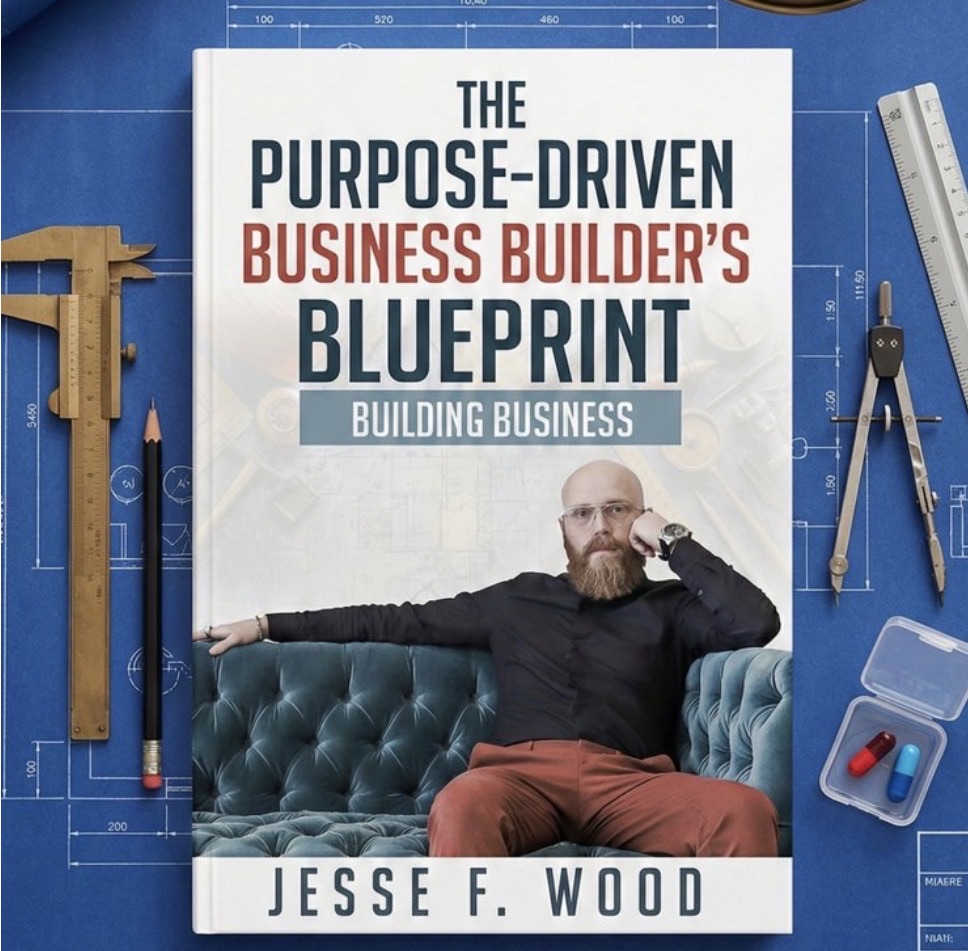
The Purpose-Driven Business Builder's Blueprint walks you through all 7 steps.