How to Use Claude Projects for a Small Business
Claude Projects for small business: what to put in project knowledge and instructions, plan limits checked Nov 10, 2026, and which projects to set up.
Quick answer: Claude Projects give a small business one workspace where every chat already knows your business. You upload your key files as project knowledge, write project instructions for how Claude should work, and every new chat inside starts with that context. Projects are on every plan, and the free plan allows up to five, as of November 10, 2026.
Before I set up my first project, I spent half of every chat explaining myself. Who I am. What I sell. How I talk. Words I never use. Then I'd open a new chat the next day and do it all over again. It felt like training a new employee every single morning.
Now everything about my brand lives in one Claude project, and every chat inside it starts already knowing me. If you've been searching for how to use Claude Projects, what Claude project instructions should say, or whether Claude Projects for small business are worth the setup, here's exactly how I'd do it, with the details checked on Anthropic's own help pages today.
What are Claude Projects?
Claude Projects are self contained workspaces in Claude, each with its own chat history and its own knowledge base. Anthropic's help article What are projects? describes them that way, and it's the clearest way to think about them.
A project has two parts that matter for a business owner:
- Project knowledge: the documents, text and files you upload. Claude uses them as context in every chat inside that project.
- Project instructions: how you want Claude to behave in that project, like the tone to use or the role to play.
I like to think of it as the operations binder a McDonald's owner hands every new hire. The owner doesn't flip every burger. He builds the system, and the system serves the customer. Your project is that binder for your assistant.
Are Claude Projects free for a small business?
Yes, Claude Projects are available on every plan, including free accounts, and free users can create up to five projects, according to Anthropic's help center as of November 10, 2026.
On that same date, Claude's pricing page listed the Pro plan at $20 a month billed monthly, or $17 a month billed yearly ($200 up front). The help center also says that on paid plans, when your project knowledge gets close to Claude's limit, it switches on a retrieval mode that expands how much a project can hold by up to 10 times. If your project is a handful of documents, the free plan is a fine place to start.
One more honest note. Anthropic's help center says a new version of projects is rolling out in stages, starting with Claude Code, so your screens may look a little different from mine. The idea stays the same: one home, your files, your instructions.
How do you set up a Claude project step by step?
You set up a Claude project by creating a new project, uploading your key business files as project knowledge and writing project instructions that apply to every chat inside it. The whole setup takes about an hour if your files are ready.
Here are the steps from Anthropic's guide, How can I create and manage projects?, in plain words:
- Open Projects. Click "Projects" on the left side of Claude, or go to claude.ai/projects.
- Click "+ New Project." Give it a name and description. The help article notes Claude can't see these, so put anything Claude needs in the knowledge, not the description.
- Add knowledge. On the project page, click the "+" button in the knowledge area and upload your documents or text.
- Set project instructions. Click "Set project instructions," write how you want Claude to work, then click "Save instructions."
- Start a chat inside the project. Ask it something only someone who read your files would know. If it answers well, you're set.
The help article also explains that each project keeps its own memory. Inside a project, Claude uses that project's memory plus your memory from chats outside projects, but not memory from your other projects. If you want a project fully separate, you can turn off "Use account memory" on the project page.
What should you put in Claude project knowledge?
Put the documents you'd want a new team member to read on day one in your Claude project knowledge: your story, who you serve, your offers and prices, your voice guide and the questions customers ask most.
- About Me and My Business. Your story, your mission and the one person you serve.
- Offers and prices. Only what's real and current.
- Your voice guide. How you sound, with examples. I show how to build one in how to create a brand voice with AI.
- Your top 20 customer questions and how you answer them.
- Your best work. Two or three emails, posts or pages you're proud of.
- Your brand kit. Colors, fonts and the words you never use.
And what stays out? Client account numbers, health details, passwords and anything private. If a client would be upset to see it in a chat window, it doesn't go in a chat window.
Want your project set up right the first night?
Build On Purpose is my 8 week live class for faith driven builders. In Session 1 you teach your AI assistant who you are and make your first real thing, and you get starter files like your Brand File and Voice File, ready to fill in. One job a week, no coding, and a full refund if you decide it's not for you before Session 2.
What should Claude project instructions say for a business?
Claude project instructions for a business should say who Claude is working for, which files to follow, how to write, what never to do and when to stop and ask you. Keep them short, plain and specific.
Here's a simple version you can copy and change:
"You are the brand builder for [your business], working for [your name]. Before you write, read About Me and My Business and Voice Guide. Write in my voice. Ask me one question at a time when you need something. Never invent numbers, reviews, quotes or client stories. Mark anything you had to guess with [CHECK]. Anything going to a customer is a draft for my OK."
That last line matters most to me. A person approves what reaches a person. Paul told the Corinthian church, "Let all things be done decently and in order." Good instructions are just order, written down.
Which Claude projects should a small business set up first?
A small business should set up one main brand project first, then add separate projects only when a job needs its own files, like marketing, customer replies or planning. Five fits the free limit.
- Brand HQ. Everything about who you are. Start here.
- Marketing. Your calendar, campaigns and best performing posts.
- Customer replies. Your policies and approved answers.
- Plan and numbers. Your plan, goals and real costs. My guide on how to write a business plan with AI pairs well with this one.
- One big launch. A project for the thing you're building this season.
If you're still deciding which assistant to use at all, read my dated Claude vs ChatGPT comparison for small business owners first.
What are the limits of Claude Projects?
The main limits of Claude Projects are that the free plan allows five, project sharing is only on Team and Enterprise plans, the files only help if you keep them current and Claude can still be wrong. A project is a strong foundation, not a guarantee.
Here's what I watch for. An old price list in your knowledge means wrong prices in your drafts, so update files the day something changes. Anthropic's help center lists sharing a project with teammates as a Team and Enterprise feature, so a solo owner on Pro works alone in it. And no file replaces checking the work. I'd rather catch a mistake in a draft than in a customer's inbox. For the bigger picture of running a business this way, read how to build a business with AI without being a tech person.
Frequently asked questions
What is the difference between a Claude project and a regular chat?
A regular chat starts from scratch, while a chat inside a project can use the project's files, instructions and memory. That means you explain your business once instead of in every chat.
How many Claude projects can I make on the free plan?
As of November 10, 2026, Anthropic's help center says free users can create up to five projects. Paid plans also have projects, with more room for large amounts of project knowledge.
Can I share a Claude project with my team?
Project sharing is listed as a Team and Enterprise plan feature, with view or edit permission for each person. On individual plans, your projects are just for you.
Does a Claude project remember past chats?
Each project keeps its own memory. Inside a project, Claude uses that project's memory plus your memory from chats outside projects, but not memory from your other projects.
What files should a small business upload to a Claude project?
Start with your story and mission, your current offers and prices, your voice guide, your most common customer questions and a few examples of your best work. Keep private client details and passwords out.
I'm here for you. You got this. Now go build it.
Let's build together.
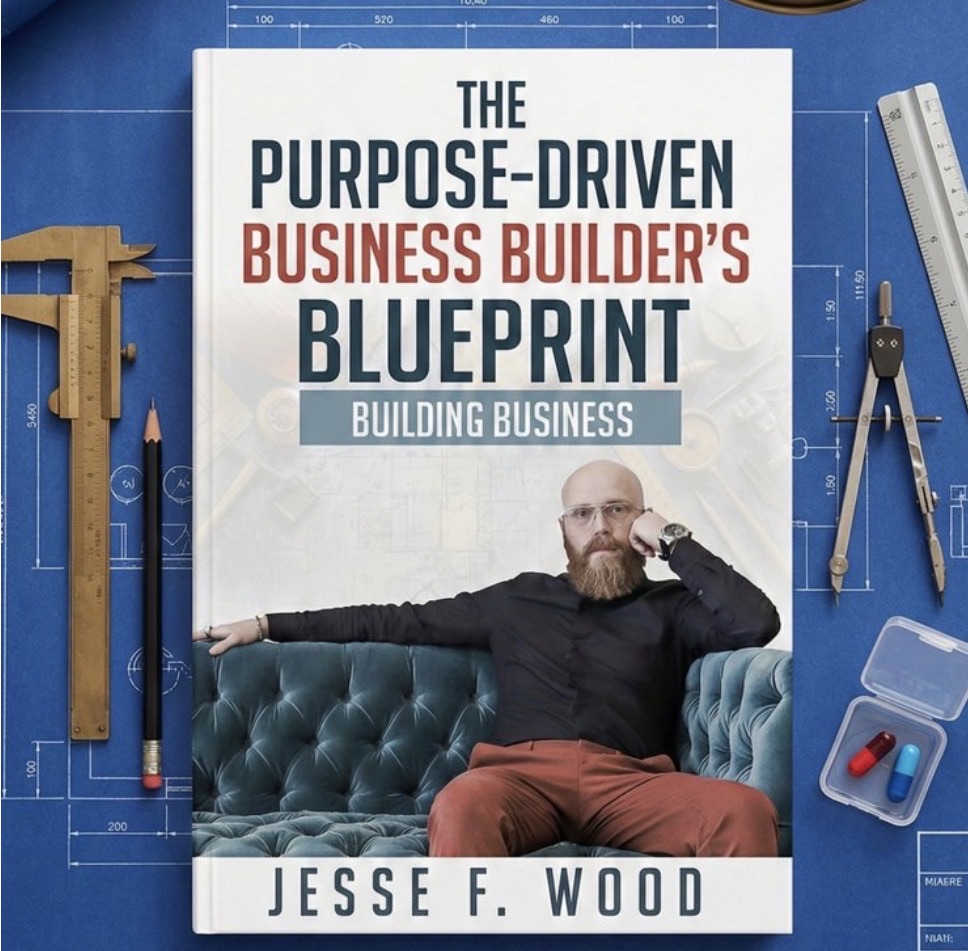
The Purpose-Driven Business Builder's Blueprint walks you through all 7 steps.