How to Automate Your Business with AI: A Small Business Owner's Guide
How to automate your business with AI, step by step: which tasks to automate first, the AI automation tools small businesses actually need, and how to keep a human in the loop. A faith driven guide for small business owners.
Quick answer: To automate your business with AI, start with the one task you repeat every week, give it to a single AI assistant with clear examples, and keep a simple rule that anything going out to a real person waits for your OK. AI automation for small businesses works best as a team member, not a magic button.
A few months ago I was sitting in a parking lot before a client meeting, scrolling through my phone, trying to remember what this family told me the last time we talked. Notes in one app, texts in another, a recording somewhere else. I was a financial guy who loves people, and I was spending my best energy hunting for information instead of serving the person in front of me.
Today that same morning looks different. Before I walk into a meeting, a short brief is already waiting for me: who I'm seeing, what we talked about last time and what I promised to follow up on. When someone buys from one of my sites, I get a text. My follow ups are drafted and sitting there for me to approve. None of that happened because I learned to code. It happened because I learned how to automate my business with AI one small job at a time. So if you have been searching for AI automation for small businesses, an AI assistant for small business owners, or just how to automate my business without losing my mind, pull up a chair.
What does it mean to automate your business with AI?
Automating your business with AI means handing repeatable work, like writing, sorting, reminding and summarizing, to an AI assistant that does it the same way every time while you make the decisions. It is less like a robot and more like training a dependable team member.
That's the thing most people get wrong. They picture a giant system that runs itself and never needs them again. I don't own magic wands. What I do own is a short list of jobs that used to steal my mornings, and an assistant that now does the first draft of every one of them. The old kind of automation was rigid: if this happens, do that. AI workflow automation is different because the assistant can read, write and use judgment inside the guardrails you give it.
Which tasks should a small business automate first?
A small business should automate the tasks that repeat every week, follow the same pattern and drain your energy, starting with follow ups, meeting prep, content drafts and simple admin. Pick the one you dread most and win there first.
So practical question. What did you do three times last week that you could explain in five minutes? That's your first automation. Here's where I'd start:
- Follow ups. After a call, your assistant drafts the thank you, the recap and the next step. You read it, tweak one line and send.
- Meeting prep. A one page brief before each appointment, pulled from your notes and past conversations.
- Content. One recording turned into a blog post, an email and a few social captions in your voice.
- Admin. Sorting your inbox, building your daily to do list and flagging what only you can do.
- Alerts. A text when a sale comes in or a lead fills out a form, so nothing sits overnight.
Notice what is not on that list: anything that needs your heart. Your assistant can draft the message. It can't sit across the table from a family that just lost a parent. The owner of a McDonald's doesn't flip every burger. Automate the burgers so you can be with the people.
How do you automate your business with AI step by step?
You automate your business with AI in five steps: choose one assistant, teach it your business, write the job down, run it by hand a few times, then let it run on a schedule with your approval on anything that goes out. Then repeat with the next job.
- Choose one assistant. In my class we use Claude, and I explain why in Claude vs ChatGPT for small business owners. One assistant that knows everything beats five apps that each know a little.
- Teach it your business. Your offer, your people, your voice, your rules. I keep mine organized the way I describe in Claude Projects for small business, so I never have to explain myself twice.
- Write the job down. Five or six plain sentences: what starts it, what it reads, what it produces, what good looks like and what it should never do.
- Run it by hand first. Do the job together three or four times. Correct it like you would a new team member. This is where it learns to sound like you.
- Put it on a schedule. Once it's dependable, let it run every morning or every hour. Mine runs on an always on Mac mini in my office, and I check in from my phone.
Proverbs 27:23 says, "Be thou diligent to know the state of thy flocks, and look well to thy herds." Automation is not an excuse to stop paying attention. Done right, it's how you finally know the state of your flock, because the important things come to you instead of hiding in six different apps.
Want to set this up with me instead of alone?
In Build On Purpose we build your brand, your site and your automations live, one Monday night at a time, inside your own accounts. Session 6 is literally called "Run it from your phone." You don't need to be techy. You need to show up and be clear about what you want. And if the first live session isn't for you, you get a full refund before Session 2.
What AI automation tools do small businesses actually need?
Most small businesses need far fewer AI automation tools than they think: one AI assistant, your own website, your email and calendar, and a way to take payments. Your assistant connects the pieces so you aren't paying for a stack of apps that don't talk to each other.
When I started, I had a login and a bill for everything, and none of those apps knew what the others were doing. Here's what I would love for you to hear: before you buy another tool, ask your assistant if it can do the job with what you already have. I've built my own website, my own meeting rooms and my own signature tool by talking, and I walk through the website piece in how to build a website with AI.
The other thing I care about is ownership. Keep your accounts in your name, so the work your assistant builds stays yours.
Is it safe to automate customer messages with AI?
It is safe to automate customer messages with AI when a human approves anything that reaches a real person, you never paste passwords or sensitive data into chat, and you follow the same rules you'd follow writing it yourself.
Just to be completely clear, my assistant drafts. I approve. AI can sound confident and still be wrong, so it gets a review before it ever speaks for me. The National Institute of Standards and Technology publishes an AI Risk Management Framework if you want the deep version, and the SBA keeps a practical page on AI for small business. My short version: keep a human in the loop, keep your data in your accounts, and tell people when they're talking to AI.
How much time can AI automation save a small business owner?
AI automation usually saves a small business owner the hours they spend on repeat writing, searching and reminding, and for most people that is several hours a week once three or four jobs are running. Your results depend on how much of your week is repeatable.
I won't give you a magic number, because I don't know your week. What I can tell you is what changed in mine. The time I used to spend digging for notes, retyping follow ups and remembering who I owed a call now goes to people, to my family and to the work God actually called me to do. Not more hours in the chair. More hours in the room with the people you serve.
How does faith fit into automating your business?
Faith fits into automating your business because stewardship is the point: you are using the tools God put in your hands to multiply your time for the people He sent you. Automation done on purpose frees you to serve, not to hide.
Luke 19:13 says, "Do business with this until I come back." That was a command to steward what we've been given. For a lot of us, the most limited thing we've been given is time. I wrote more about that in AI for Christian entrepreneurs. If you want the big picture of building the whole business this way, start with my pillar guide, how to build a business with AI without being a tech person. If you'd rather listen, The Jesse Wood Show is full of builders working smarter without losing their soul.
Frequently asked questions
Can I automate my business with AI if I'm not technical?
Yes. Today's AI assistants take plain English instructions, so you describe the job like you would to a new hire. Your skill is clarity, not code.
What is the first thing I should automate?
Start with follow ups or meeting prep. They repeat every week, follow a pattern and give you time back right away.
Do I need an AI automation agency for my small business?
Most owners don't. With one assistant and a few hours of guided setup, you can build your own automations and keep full control of them in your own accounts.
Will AI automation replace my team?
No. It takes the repeat work off your team's plate so they can focus on people.
What is the best AI assistant for small business owners?
The best one is the assistant you'll use every day, so it learns your voice. In Build On Purpose we use Claude because it can write, plan and build in one place.
Picture your business running while you're with people.
That's what we build in Build On Purpose: your brand, your site and the automations that keep it moving, set up live with me over 8 Mondays, in accounts you own. Come build with people who share your faith and your fire.
I'm here for you. You got this. Now go build it.
Let's build together.
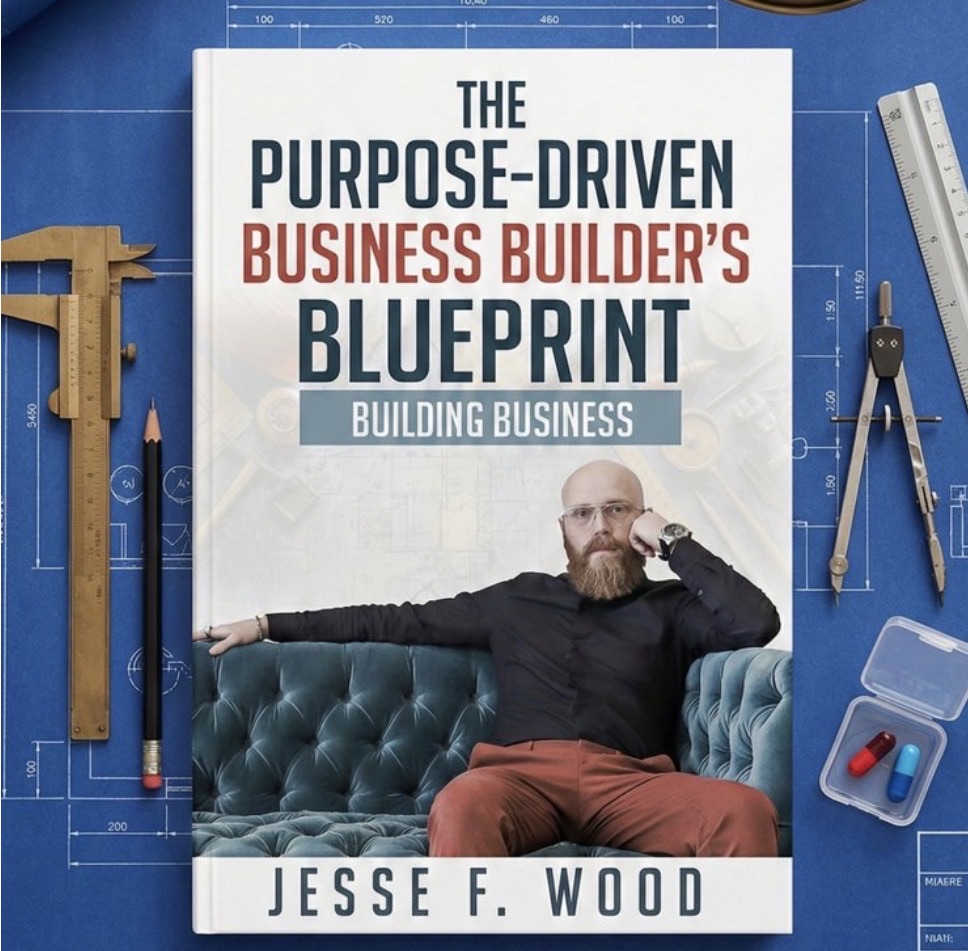
The Purpose-Driven Business Builder's Blueprint walks you through all 7 steps.